Why Mac Users Need a Dedicated Document Scanner (Not Just an iPhone)
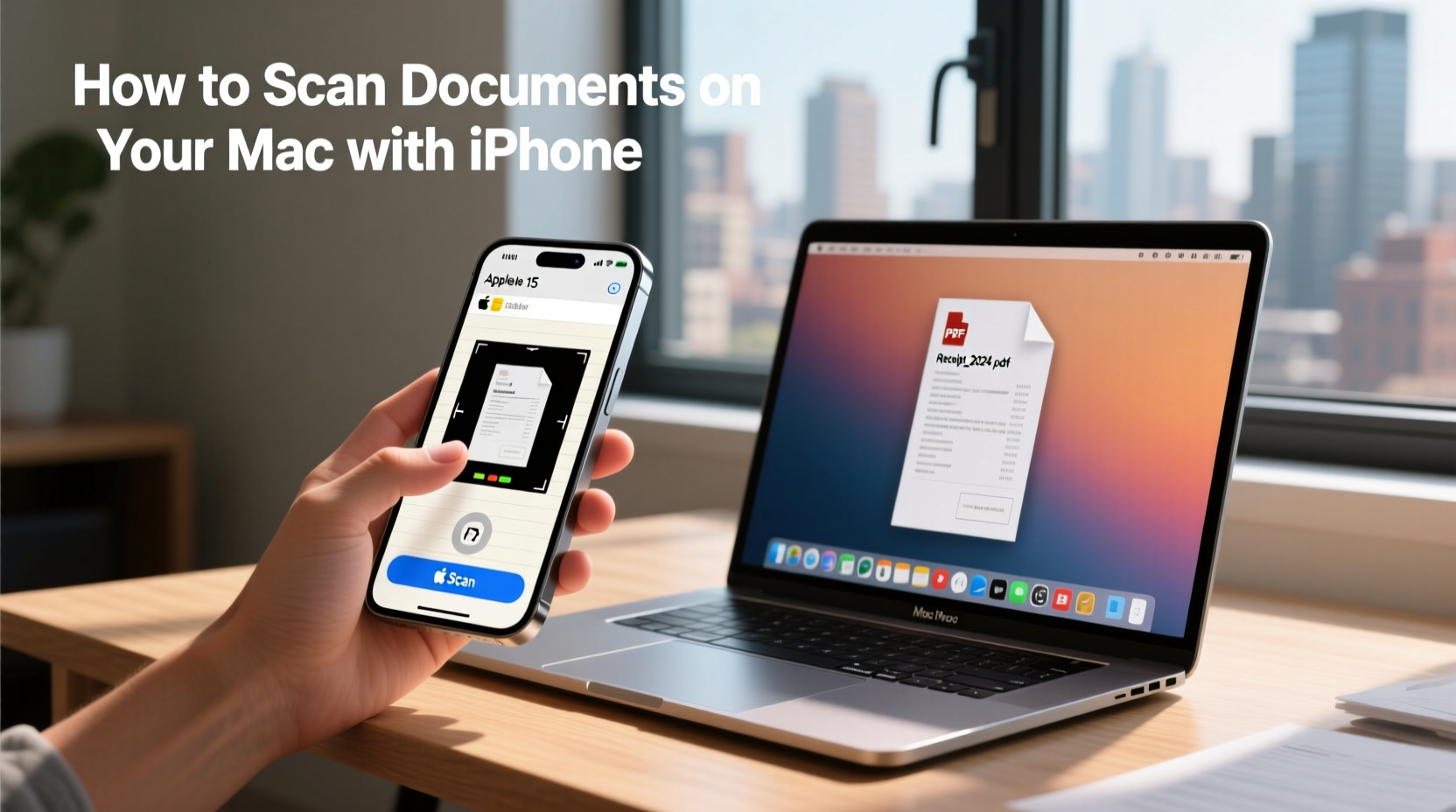
Mac users are known for valuing clean workflows, reliable hardware, and tools that simply work. When it comes to scanning documents, however, many people rely on quick fixes like iPhone scanning apps or built-in camera features. While mobile scanning can be convenient in a pinch, it falls short when accuracy, speed, and consistency truly matter. For professionals, creatives, and home offices that regularly digitize paperwork or photos, a dedicated document scanner built for macOS is a far more effective solution.
As digital organization becomes essential for productivity, Mac users are increasingly discovering that their iPhone isn’t a long-term replacement for proper scanning hardware. A dedicated scanner offers better image quality, smoother integration, and far greater efficiency—especially when handling multiple documents or preserving important files.
The Limitations of Mobile Scanning Apps on macOS
Mobile scanning apps have improved over the years, but they still introduce limitations that can slow down workflows and reduce scan quality. Using a phone camera relies heavily on lighting, angle, and manual adjustments. Even small variations can result in shadows, warped edges, or inconsistent color, requiring additional editing time once files are transferred to a Mac.
Another drawback is batch processing. Scanning one page at a time with a phone is manageable for occasional use, but it quickly becomes inefficient when dealing with contracts, receipts, records, or archived documents. Aligning each page, tapping the screen, reviewing the image, and exporting files adds unnecessary friction to what should be a streamlined process.
File organization is another challenge. Mobile scans often require extra steps to rename files, adjust resolution, or convert formats after transferring them to macOS. This can disrupt otherwise smooth workflows, especially for users who prioritize automation and clean digital filing systems.
When it comes to photos, mobile apps are even more limited. Old prints, delicate images, and glossy photos can lose detail or color accuracy when captured with a phone camera. Anyone attempting to preserve memories or digitize visual archives will quickly encounter the shortcomings of relying on a smartphone alone.
How a True Mac Scanner Delivers Better Accuracy and Speed
A dedicated scanner designed to work seamlessly with macOS eliminates many of these issues. Purpose-built hardware ensures consistent lighting, precise alignment, and accurate color reproduction—without the guesswork involved in mobile scanning. This translates to cleaner images, sharper text, and fewer corrections after the scan is complete.
Using proper scanners for mac allows users to integrate scanning directly into their existing workflow. Files are created at the right resolution from the start, saved in consistent formats, and easily organized within macOS folders or document management systems. This level of control is especially valuable for professionals handling sensitive documents or large volumes of paperwork.
Speed is another major advantage. Dedicated scanners can process multiple pages in rapid succession, dramatically reducing the time required to digitize files. Instead of scanning page by page with a phone, users can complete entire stacks of documents in minutes. This efficiency becomes critical for offices, remote workers, and anyone transitioning to paperless systems.
Dedicated scanners also excel at versatility. Many models handle everything from text-heavy documents to images, making them suitable for a wide range of tasks. For users who work with mixed media, a photo document scanner provides the flexibility to digitize receipts, forms, and photographs with consistent results—all from a single device.
For those digitizing large photo collections, scanners equipped with automatic feeders offer even greater efficiency. A photo scanner with feeder allows users to process multiple photos quickly without manually placing each one on the scanning bed. This is particularly useful for archiving family photos, creative projects, or business assets where preserving detail and color accuracy is essential.
Why Dedicated Scanners Make Sense for Mac-Centric Workflows
Mac users often invest in hardware that complements Apple’s ecosystem, prioritizing reliability and performance over shortcuts. A dedicated document scanner aligns with that mindset by offering predictable results and long-term value. Instead of relying on workarounds, users gain a tool that integrates smoothly into daily routines.
Dedicated scanners also support better ergonomics. Scanning with a phone requires holding the device steady, adjusting angles, and repeating the process for each page. A scanner removes this physical strain and allows users to focus on more meaningful tasks while documents are processed efficiently.
Security is another important consideration. Scanning sensitive documents on a personal device can introduce privacy risks, especially if files are stored temporarily in cloud-based apps. Dedicated scanners allow users to keep files local, maintaining control over where documents are stored and how they’re shared.
A Smarter Approach to Scanning on macOS
While iPhone scanning apps are useful for quick, occasional tasks, they aren’t built to support consistent, high-quality digitization. For Mac users who value speed, accuracy, and organization, a dedicated document scanner is a smarter investment.
By choosing the right scanning hardware, users can streamline workflows, preserve important documents and photos, and maintain the level of quality expected from macOS-based setups. Whether managing business records, creative assets, or personal archives, a true Mac-compatible scanner delivers results that mobile apps simply can’t match—making it an essential tool rather than an optional accessory.